
We’ve all experienced that moment: standing in a living room, phone in hand, trying to guess if a sage green sofa would go with the existing flooring. The catalog photo never matches the actual light in the room. Interior design mobile apps change the game by allowing you to project layouts directly onto a photo of your space, before making any purchases.
Test the decor on photo before spending a euro
The most concrete use case, and the one that justifies downloading a decor app, remains visual projection. You photograph your room, choose a style or a piece of furniture, and the app generates a realistic rendering in seconds.
What changes compared to a simple Pinterest mood board: the rendering takes into account the actual proportions of the room. An armchair that’s too large for the space is immediately noticeable. A wall color that seemed perfect on a desktop screen can appear overwhelming once applied to the four walls of a modest-sized bedroom.
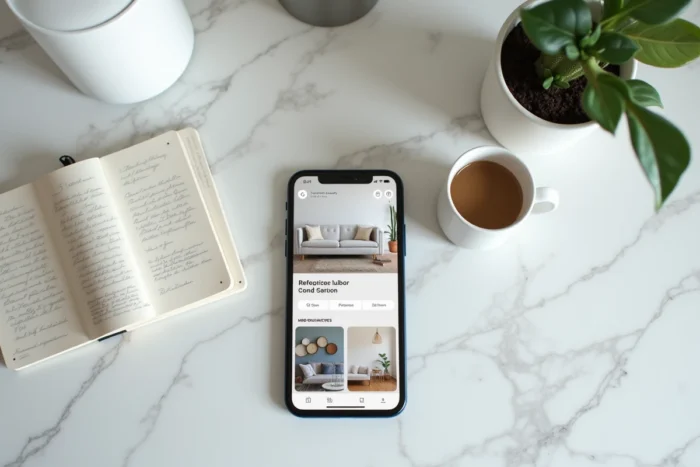
For those who want to take the exercise further, you can install the Raffinement-et-Habitat.fr app for decoration and get tailored proposals for a photographed space, rather than generic suggestions.
The reduction of uncertainty before purchase or renovation is the real gain. How many poorly chosen paint cans end up in the garage? How many online-ordered pieces of furniture are returned because the dimensions don’t fit? Visualizing before buying avoids costly mistakes.

Technical constraints that decoration apps handle poorly
Let’s be clear: these tools are not pocket interior designers. Most consumer apps handle aesthetics, color palettes, and furniture styles well. They handle the functional constraints of a space much less effectively.
Circulation and daily ergonomics
An app can propose a visually appealing layout that blocks the passage between the kitchen and the dining room. Circulation distances, door openings, and the necessary clearance in front of a countertop: these parameters are often ignored by quick projection tools.
Before validating a layout generated by an app, you should check at least three things:
- The main passage of the room remains clear at least 80 cm wide, even with the furniture in place
- Doors and drawers open without hitting another piece of furniture or a wall
- Natural light is not blocked by a tall piece of furniture placed in front of a window
Natural light and color rendering
Light varies depending on the time of day, the orientation of the room, and the season. A color tested in a photo at noon will look different at 6 PM. The most advanced apps are starting to integrate brightness filters, but feedback on this point varies. The best verification remains to take several photos at different times of the day and rerun the simulation.
Combine multiple decoration tools according to the project stage
Interior design professionals no longer rely on a single app. Field usage shows a step-by-step logic, with a different tool for each phase of the layout project.
- Inspiration phase: a gallery-type app (exploring styles, color palettes, trends) to define an aesthetic direction
- Testing phase: an AI projection tool that applies variations directly onto the photo of the room
- Planning phase: a 2D or 3D floor plan creation app to check dimensions and technical feasibility
- Presentation phase: a high-quality rendering tool to validate the final result, whether for oneself or to convince a craftsman
Using a single tool for the entire project is the classic trap. The app that excels in generating atmospheres rarely produces reliable technical plans. The one that draws precise plans often offers poor visual renderings.
Sustainable personalization rather than disposable decor
The interior decoration market is now pushing towards personalized and sustainable solutions. It’s no coincidence that the most downloaded apps have added filters for “natural materials,” “second-hand,” or “local manufacturing” to their catalogs.
This movement addresses a concrete problem. For years, interior decoration was about applying a trendy style seen on social media, without considering the reality of the space. The result: interiors that all look alike and impulsive purchases abandoned after two seasons.
A useful app offers styles suited to a real space, not generic copy-paste models. When the tool analyzes brightness, volumes, and existing coverings to suggest coherent options, it transforms from a passive catalog into a real project tool.
Features to check before choosing a decor app
Not all decoration apps are created equal. Before adopting one, a few criteria deserve to be checked in the field rather than in App Store reviews.
The quality of rendering in dark or atypical rooms reveals the true level of the tool. Many apps produce convincing results in a bright rectangular living room. Performance drops as soon as you photograph a narrow hallway, an attic, or an L-shaped room.
Access to features without a subscription is another point of friction. Most free tools limit the number of renderings or reserve the best styles for paid plans. Always test the free version on your own room before committing.
Finally, the ability to export or share projects facilitates the next steps: sending a visual to a painter, a carpenter, or a skeptical partner. A good shareable rendering replaces an hour of explanation.
The next time you hesitate between two paint shades or two furniture arrangements, photograph the room and let the app settle the visual debate. The result won’t replace the eye of a professional decorator, but it will help avoid mistakes you’ll regret for years.